 Invite Tracker for LinkedIn
Track your LinkedIn invites in Chrome
See who accepted, who is still pending and who is waiting for your welcome message. Get told about new LinkedIn messages without keeping a tab open.
Add to ChromeFree. No account. Your contacts stay in your browser.
Every invite you sent
Scan the Sent page once and everyone you invited lands in Pending.
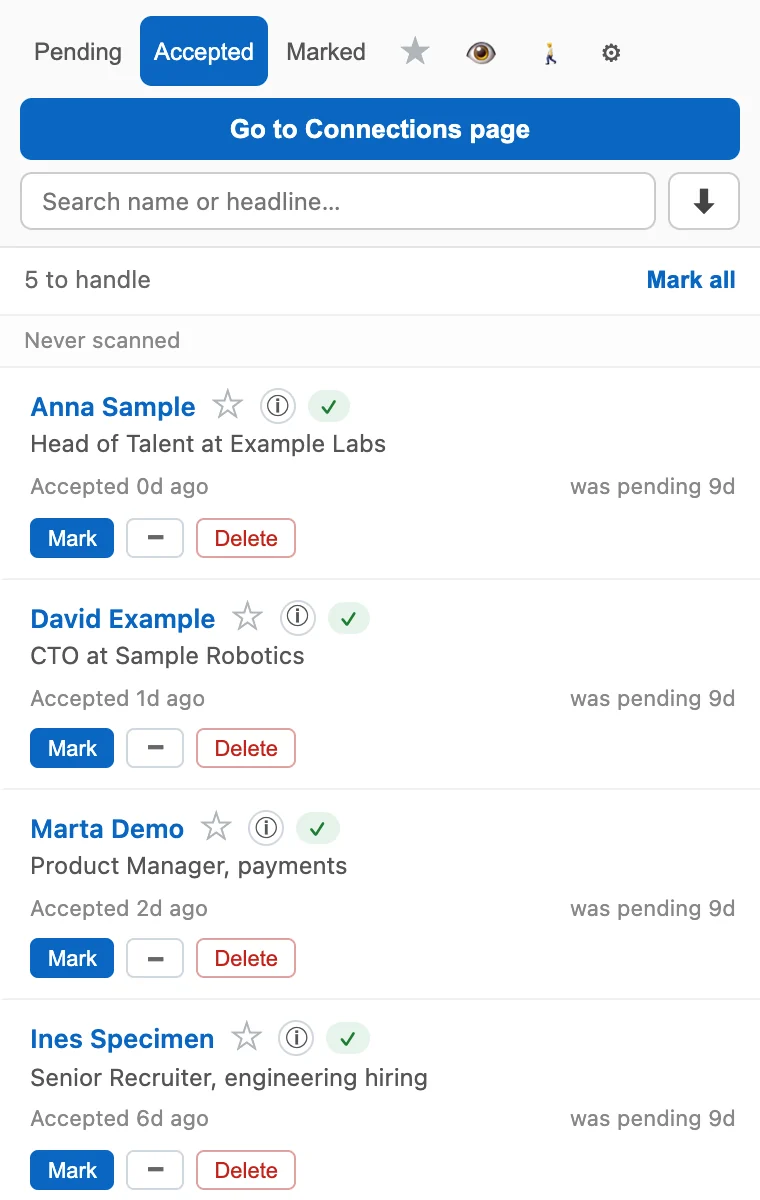
Who accepted, with the date
A scan of your Connections page moves people to Accepted with the date LinkedIn shows.
Welcome reminders
The icon counts the new connections still waiting for your first message.
Message notifications
New messages, invitations and Sales Navigator replies, even with no LinkedIn tab open. Off until you turn them on.
Your own contact list
Profiles you open are saved on your computer. Search them, export to CSV or JSON.
Found a problem or have an idea?
Write it here and it goes straight to the developer. Leave an email if you want an answer.